
How to Build a Strong Graphic Design Portfolio (Point-wise Guide)
1. Select Only Your Best Work
Choose high-quality projects that clearly showcase your skills. Avoid adding every design—focus on pieces that highlight your strengths in branding, logos, posters, packaging, or social media design.
2. Show Variety but Maintain a Consistent Style
Include different types of design work to display your versatility, but keep the overall presentation consistent. A unified style makes your portfolio look professional.
3. Explain Your Design Process
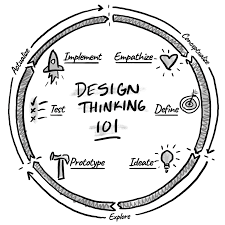
For each project, add a short description. Mention the project goal, your concept, the tools you used, and the final outcome. This helps clients understand your creative thinking.
4. Use High-Quality Mockups
Mockups make your designs look real and polished. Presenting your work in professional mockups increases the visual appeal of your portfolio.
5. Keep the Layout Clean and Organized
A neat and simple layout makes your portfolio easy to view. Use clear headings, balanced spacing, and a clean color theme to maintain a professional look.
6. Create an Online Portfolio
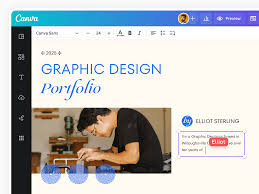
Use platforms like Behance, Dribbble, Adobe Portfolio, or your own website. An online portfolio makes it easier for clients worldwide to view your work anytime.
7. Highlight Your Best Project First
Your strongest work should be placed at the top. First impressions matter, so start with a design that reflects your best abilities.
8. Update Your Portfolio Regularly
Remove outdated work and replace it with fresh projects. A regularly updated portfolio shows growth and keeps your style modern.
9. Add Testimonials or Client Reviews (Optional but Powerful)
If you have worked with clients, include short testimonials. Positive feedback increases trust and professionalism.
10. Keep It Simple and Easy to Navigate
Avoid too many sections or complicated layouts. A simple, clean, and easy-to-browse portfolio creates the best user experience.